3DConnnexion


3D Mouse Anywhere

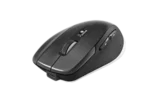
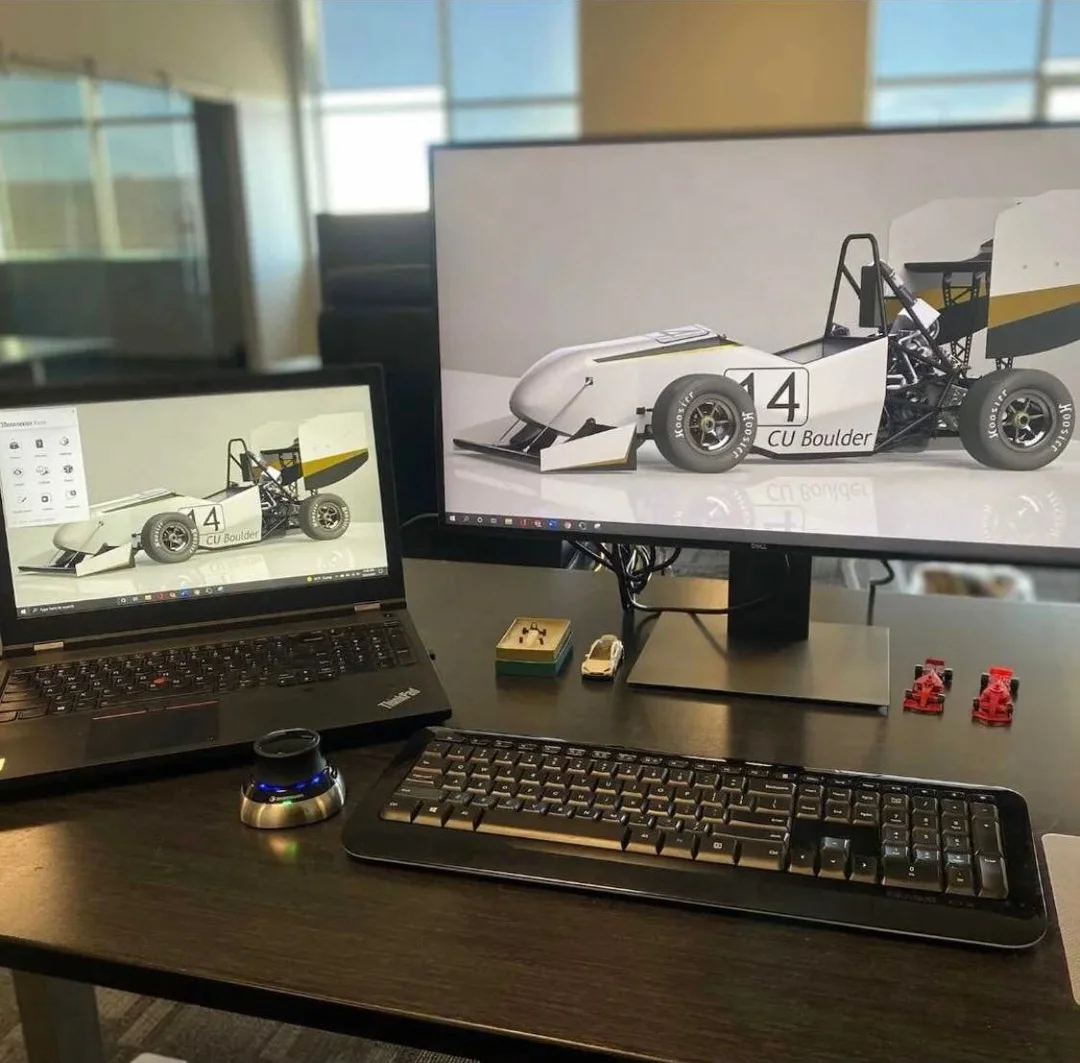
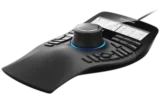
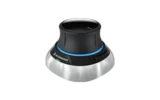
With the ingenious new 3DxWare 10 driver platform, it’s now possible to use a 3D mouse in any application. From Microsoft Office to internet browsers and from media players to games with 3DxWare 10, a 3D mouse can complement, or provide a compelling alternative to, most input devices including keyboard, traditional mouse, joystick and gamepads.

IMPORTANT: 3DxWare 10 is currently available in beta version only. Beta software is not officially supported, however you can visit our forum to give feedback, share your experiences and get advice. Please check your product is supported before downloading. Supported products are shown on the 3DxLabs download page.

Much More Than a Mouse

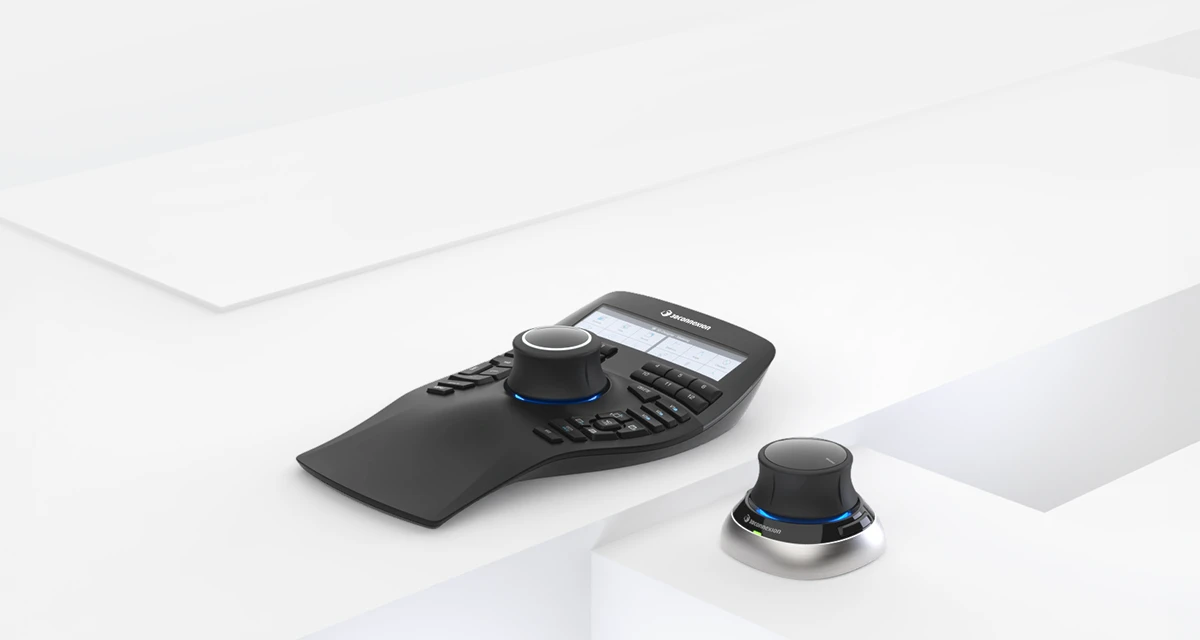
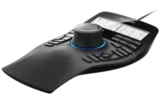
The simple 3DxWare 10 interface allows you to assign keyboard strokes and traditional mouse or joystick movements in any combination to the 3D mouse. For example, tilt the controller cap to scroll a Web page, twist the cap to adjust the volume in iTunes, or use all six axes to pilot a helicopter in Battlefield 3. The choice of application and assignment of the six axes and up to 31 function keys (depending on the 3D mouse model) is entirely up to you.

3DxWare 10 offers limitless possibilities for incorporating 3D mice into everyday use, including:

  • Documents and Browsers
    3D mice now offer a compelling alternative to traditional mouse wheel navigation in documents, spreadsheets and Web pages. Gently tilt the 3D mouse cap to scroll the view up or down or twist the cap to zoom in and out.

  • Games
    Most PC gamers rely on a combination of traditional mouse and keyboard to control their character or camera view, but with 3DxWare 10 a 3D mouse can be used to deliver intuitive and comfortable control in games like The Sims 3. It’s also possible for the 3D mouse to emulate a joystick or gamepad for a rich 3D experience in games such as Microsoft Flight Simulator, Wings of Prey and Need for Speed.

  • Media Players
    Until 3DxWare 10, controlling the volume, track selection or position was typically handled by the traditional mouse and keyboard shortcuts. With a 3D mouse, you can twist the cap to adjust the volume, tilt the cap sideways to fast forward and rewind, and tilt the cap forward or backward to move between tracks in your playlist. If you want to handle it a different way, it’s easy to customize the 3D mouse to your needs.

  • 3D Collaboration
    3DxWare 10 also provides a new feature for professional users by allowing multiple 3D mice to be used on one workstation. This innovative development enables easier viewing of 3D models in group design reviews or client presentations.

For Existing 3D Mouse Users

If you want to get more from your 3D mouse, you can download a beta version of the 3DxWare 10 driver here. Please be aware that beta software is not officially supported. You can visit our forum where we’ll be posting updates and looking forward to your feedback and ideas.

Making your Own Application Profiles

The 3DxWare 10 driver interface allows you to create your own “profiles” for your chosen applications and decide what each 3D mouse axis and function key should do. It could be a keystroke (e.g. cursor keys), a traditional mouse movement (with or without keyboard modifier) or a joystick axis. Once you’ve assigned all the axes you want to, just tune it to how you want it!
Download Now

Get the 3DxWare 10 Driver Platform here! Try it out

What is a 3D Mouse

Find out what a 3D mouse is and how it supports your work. more


3D Mouse used with Internet Explorer and Word

3D Mouse used in Google StreetView

3D Mouse used with Game Wings of Prey

3D Mouse used with Final Cut Pro